contact_mail Structuring Contact Information
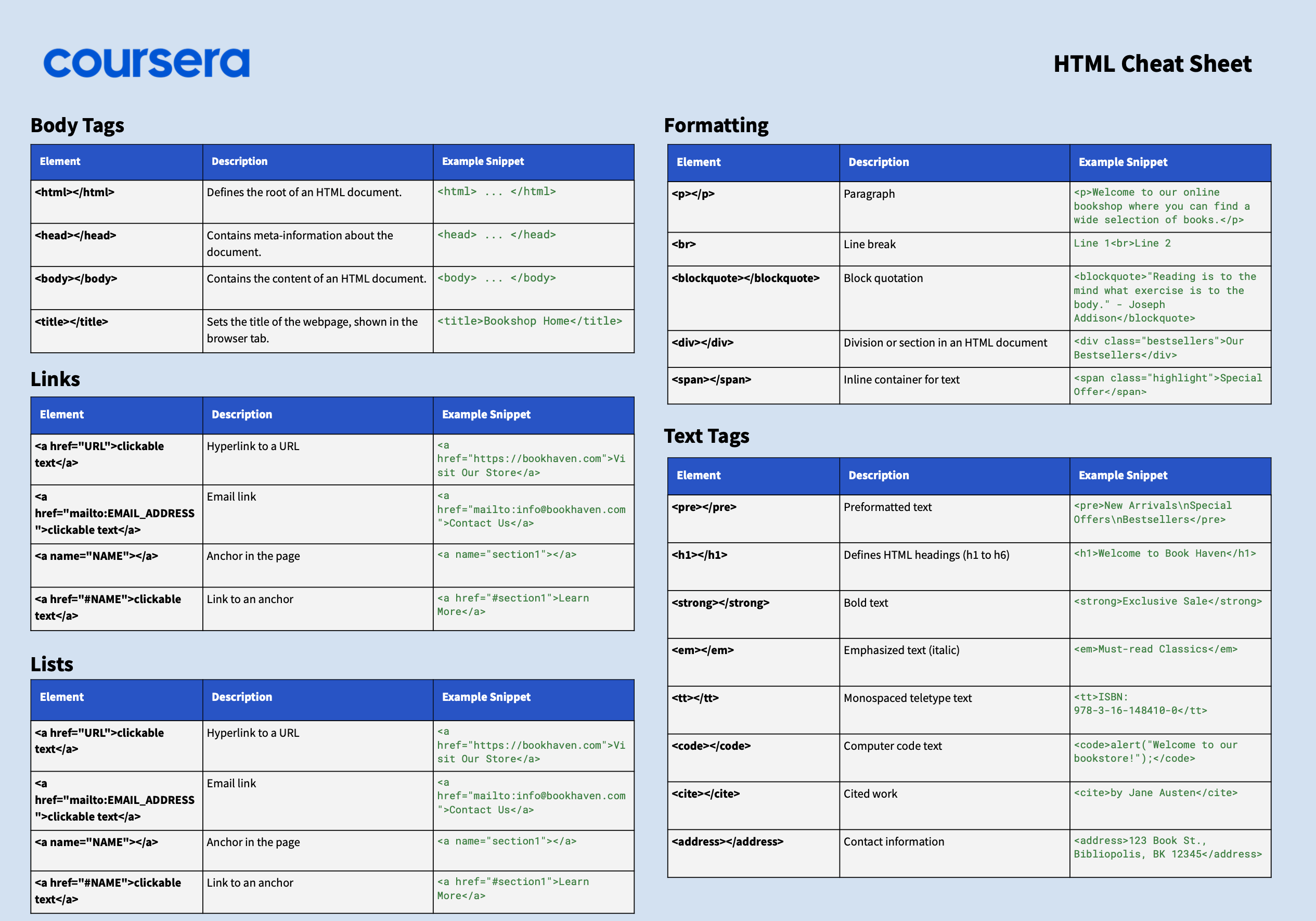
HTML provides semantic elements to properly mark up contact details.
These elements help with accessibility and provide meaning to contact information.
format_list_bulleted Key Contact Elements
person
<address>
Container for contact information
email
<a href="mailto:">
Email addresses with mailto links
phone
<a href="tel:">
Phone numbers with tel links
language
<a>
Website links
code Code Example
<address>
<h3>Contact Information</h3>
<p>
<strong>Name:</strong> John Doe
<strong>Email:</strong> <a href="mailto:[email protected]">[email protected]</a>
<strong>Phone:</strong> <a href="tel:+1234567890">(123) 456-7890</a>
</p>
</address>
<h3>Contact Information</h3>
<p>
<strong>Name:</strong> John Doe
<strong>Email:</strong> <a href="mailto:[email protected]">[email protected]</a>
<strong>Phone:</strong> <a href="tel:+1234567890">(123) 456-7890</a>
</p>
</address>
lightbulb Best Practices
- check_circle Use <address> for contact information
- check_circle Include mailto: and tel: links
- check_circle Structure information with headings and paragraphs
- check_circle Add microformats for enhanced semantics
visibility Browser Display
Example:
Links are clickable and will open the appropriate application.
assignment Exercise: Contact Information
Create a web page with a complete contact section including name, address, email, phone, and website links.