attach_file
File Picker
<input type="file" name="document">
check_circle
Allows users to select files from their device
check_circle
Use accept attribute to restrict file types
check_circle
Add multiple attribute for selecting multiple files
check_circle
Files are uploaded when form is submitted
smart_button
Buttons
<button type="submit">Submit</button>
check_circle
Submit: Sends form data to server
check_circle
Reset: Clears all form inputs to default values
check_circle
Button: Generic button for JavaScript actions
check_circle
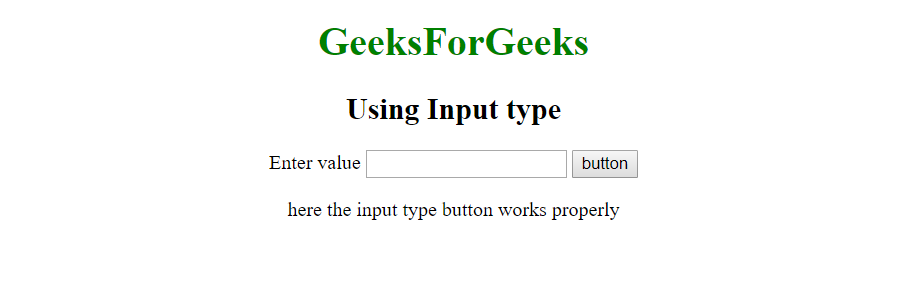
Can be created with <button> or <input>
code
Example Implementation
| Button Type | Purpose |
|---|---|
| type="submit" | Submits form data to server |
| type="reset" | Resets form to initial state |
| type="button" | Custom JavaScript actions |
| image | Graphical submit button |